
jarle/Bun Build an app with Qwik and Bun
skills/bun-guides-ecosystem-qwik/SKILL.md
Build an app with Qwik and Bun
$ install --global
skillsauthnpx skillsauth add jarle/bun-skills Bun Build an app with Qwik and BunInstall this skill globally with one command. Works with Claude Code, Cursor, and Windsurf.
Security Scan Results
3 of 9 scanners reported clean
Some scanners were skipped, did not run, or reported a non-clean status. Review each row below.
3
Scanners Passed
9
Scanners in report
Clean
TrivyContainer and dependency vulnerability scanner
95%
Clean
SemgrepStatic code analysis for vulnerabilities
95%
Clean
mcp-scan (Snyk)Model Context Protocol security validation
95%
Skipped
Snyk (dep)Open source security scanning
50%
Skipped
Socket.devSupply chain security analysis
50%
Skipped
VirusTotalMulti-engine malware detection
50%
Skipped
CrowdStrikeAdvanced threat intelligence
50%
Skipped
OSV-ScannerOpen Source Vulnerability database check
50%
Skipped
OWASP Dep-Check
50%
Last scanned: Apr 24, 2026, 8:38 PM1.8s1 file scanned
SKILL.md
- name:
- Bun Build an app with Qwik and Bun
- description:
- Build an app with Qwik and Bun
Build an app with Qwik and Bun
Initialize a new Qwik app with bunx create-qwik.
The create-qwik package detects when you are using bunx and will automatically install dependencies using bun.
bun create qwik
      ............
    .::: :--------:.
   .::::  .:-------:.
  .:::::.   .:-------.
  ::::::.     .:------.
 ::::::.        :-----:
 ::::::.       .:-----.
  :::::::.     .-----.
   ::::::::..   ---:.
    .:::::::::. :-:.
     ..::::::::::::
             ...::::


┌  Let's create a  Qwik App  ✨ (v1.2.10)
│
◇  Where would you like to create your new project? (Use '.' or './' for current directory)
│  ./my-app
│
●  Creating new project in  /path/to/my-app  ... 🐇
│
◇  Select a starter
│  Basic App
│
◇  Would you like to install bun dependencies?
│  Yes
│
◇  Initialize a new git repository?
│  No
│
◇  Finishing the install. Wanna hear a joke?
│  Yes
│
○  ────────────────────────────────────────────────────────╮
│                                                          │
│  How do you know if there’s an elephant under your bed?  │
│  Your head hits the ceiling!                             │
│                                                          │
├──────────────────────────────────────────────────────────╯
│
◇  App Created 🐰
│
◇  Installed bun dependencies 📋
│
○  Result ─────────────────────────────────────────────╮
│                                                      │
│  Success!  Project created in my-app directory       │
│                                                      │
│  Integrations? Add Netlify, Cloudflare, Tailwind...  │
│  bun qwik add                                        │
│                                                      │
│  Relevant docs:                                      │
│  https://qwik.dev/docs/getting-started/              │
│                                                      │
│  Questions? Start the conversation at:               │
│  https://qwik.dev/chat                               │
│  https://twitter.com/QwikDev                         │
│                                                      │
│  Presentations, Podcasts and Videos:                 │
│  https://qwik.dev/media/                             │
│                                                      │
│  Next steps:                                         │
│  cd my-app                                           │
│  bun start                                           │
│                                                      │
│                                                      │
├──────────────────────────────────────────────────────╯
│
└  Happy coding! 🎉
Run bun run dev to start the development server.
bun run dev
$ vite--mode ssr

VITE v4.4.7  ready in 1190 ms

➜  Local:   http://localhost:5173/
➜  Network: use --host to expose
➜  press h to show help
Open http://localhost:5173 with your browser to see the result. Qwik will hot-reload your app as you edit your source files.
<Frame>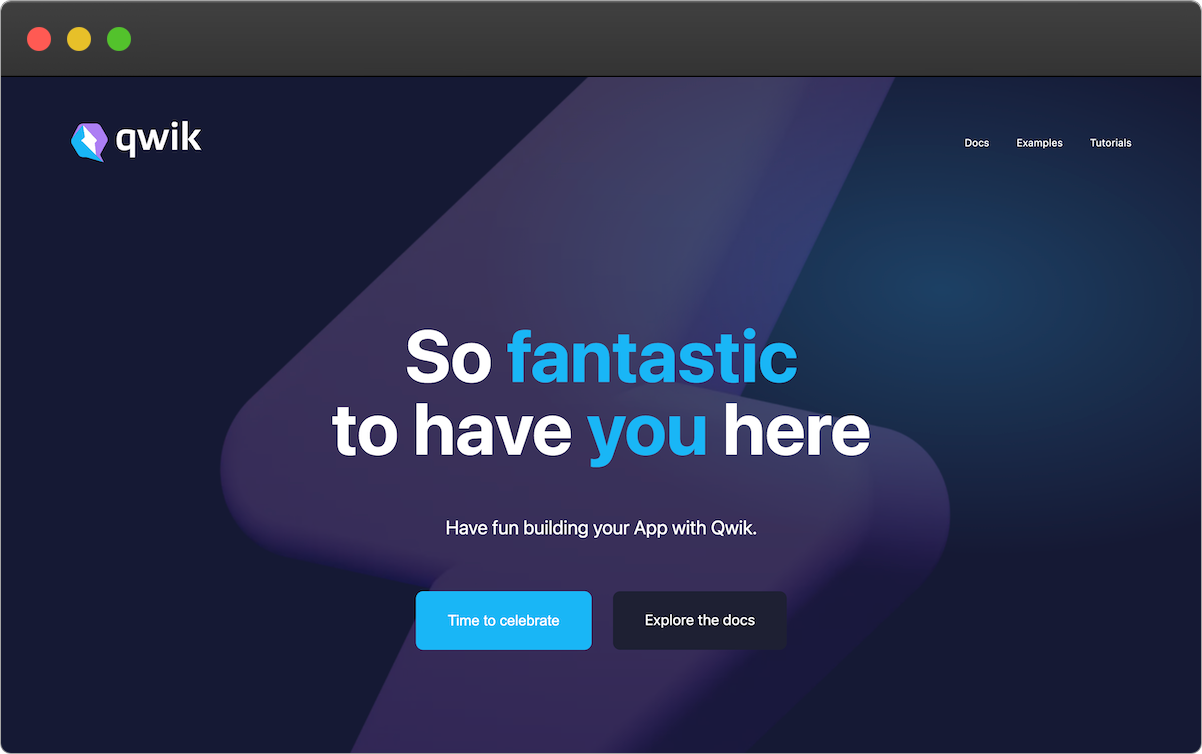</Frame>Refer to the Qwik docs for complete documentation.
Related Skills
jarle/Bun TypeScript
development
VerifiedTrustedCommunity
Using TypeScript with Bun, including type definitions and compiler options
1SKILL.mdUpdated Apr 6, 2026
jarle/Bun Writing tests
development
VerifiedTrustedCommunity
Learn how to write tests using Bun's Jest-compatible API with support for async tests, timeouts, and various test modifiers
1SKILL.mdUpdated Apr 6, 2026
jarle/Bun Snapshots
testing
VerifiedTrustedCommunity
Learn how to use snapshot testing in Bun to save and compare output between test runs
1SKILL.mdUpdated Apr 6, 2026
jarle/Bun Runtime behavior
testing
VerifiedTrustedCommunity
Learn about Bun test's runtime integration, environment variables, timeouts, and error handling
1SKILL.mdUpdated Apr 6, 2026